
In order to guarantee you an optimal gaming experience on your PC
It's important to have a good gaming mouse that has the necessary qualities to make more agile your movements in the scenarios during the action in the game, as well as the handling of the weapons. And of course, that complements the rest of the hardware you have installed on your PC.
In this post you'll learn about the aspects that determine the quality of a gaming mouse and that can be useful to make the right decision when choosing one for your PC.
Understanding DPI: The Sensitivity Spectrum
DPI (dots per inch) is the name given to a metric used to express the sensitivity of a mouse. Its value defines the number of pixels at which the mouse cursor moves for every centimeter it traverses over the surface.
The DPI range
You probably don't know that most of the conventional mice work in the 800 to 1600 DPI range, which is fair if you're one of those who use this peripheral for everyday tasks and occasional gaming. Still, there are mice where this indicator is much wider—we're talking about gaming mice with 8000 DPI or more. This allows you as an enthusiastic gamer to find a sensitivity level that best suits your needs and gaming style.
DPI and gaming performance
One thing you should be clear about is that just because you find a mouse with a high DPI does not mean that it'll necessarily have a favorable impact on gaming performance and you'll have a sure win.
A mouse with a high DPI can speed up cursor movement just by moving the mouse a little bit, but it can also hinder accuracy when aiming. It's for this reason that many professional gamers prefer a lower DPI setting, as it allows them to have better control and accuracy when aiming weapons.
Adjustable DPI
Advances in the development of gaming mice have led to these peripherals now having buttons that allow you to adjust the DPI on-the-go. For many gamers, this improvement is a marvel as it allows them to adjust the sensitivity level of the mouse during gameplay without having to do so from the interface.
So, if you're playing a shooter you can use a lower DPI level to aim accurately and then change the DPI to a higher one to speed up your character's movements in situations where aiming at the enemy is not required.
Polling rate: The speed of communication
The polling rate is a metric expressed in Hertz (Hz) and is used to measure the frequency with which the mouse communicates its position to the computer. And while DPI is one aspect that has a great weight on the performance of the mouse during gaming, polling rate is another factor that impacts the peripheral in this aspect.
Understanding Polling Rate
To set the record straight, a mouse with a polling rate of 1000 Hz means that it's communicating its position to the computer 1000 times per second. The higher the polling rate value, the more frequent the updates the computer receives about the mouse position. This reduces the input lag significantly and makes the cursor movement smoother.
Balancing polling frequency and performance
A higher polling rate may represent a noticeable improvement in the responsiveness of the mouse, but it also requires more CPU resources to deliver this result. In that sense, most gaming mice offer polling rates of 125, 500 and 1,000 Hz. For many gamers a mouse with a polling frequency of 500 or 1,000 Hz maintains a good balance between responsiveness and system resource usage.
Sensors: The heart of precision
This is the name given to the component in charge of tracking the mouse movement, which can be optical or laser.
Optical vs. laser sensors
Gaming mice with optical sensors work with LED light and their precision on most surfaces is usually more accurate. If you're an FPS gamer this type of mouse can be favorable for you as it allows you to make a constant tracking. Laser sensor gaming mice, on the other hand, are designed to work on a wide variety of surfaces where they can sometimes show a slight acceleration.
Sensor performance metrics
Keep in mind these metrics that are key when evaluating a gaming mouse sensor: 1. Maximum tracking speed (IPS - inches per second) 2. Maximum acceleration (measured in G) 3. Take-off distance
These indicators are usually outstanding in high-end gaming mice, which is a sign of the excellent precision and responsiveness of this type of mice.
Ergonomics: Comfort for long gaming sessions
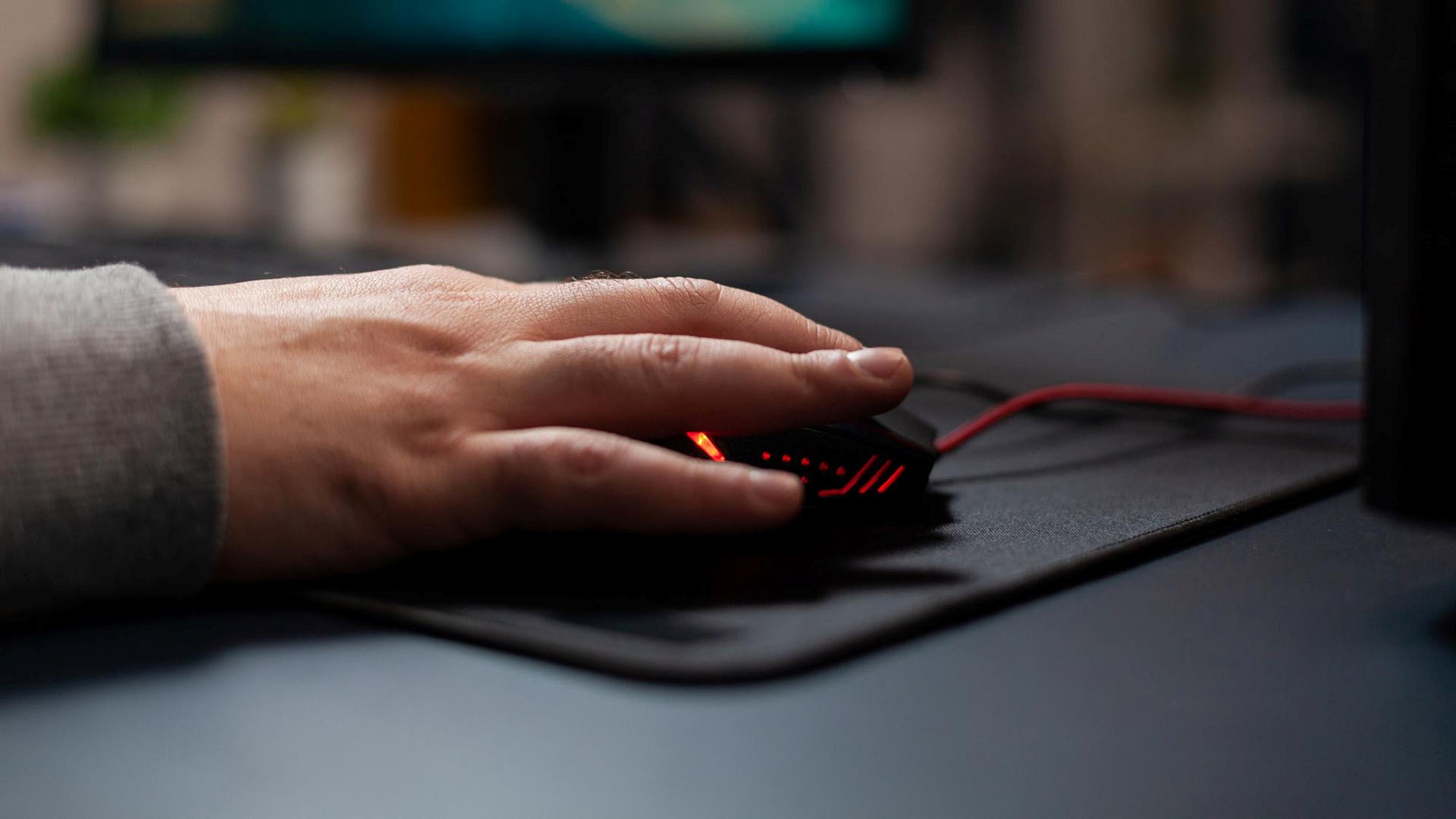
Besides having the best technical specifications, design is an equally important factor in a gaming mouse. A mouse that fits comfortably in your hand can contribute to a lesser fatigue during long gaming sessions, as well as improve overall performance.
Grip styles and mouse shapes
There are different grip styles that gaming mice offer you: 1. Palm grip: This model of gaming mouse allows your whole hand to rest on the mouse. 2. Claw grip: In this model of gaming mouse, only your fingertips and the heel of your palm come into contact with the mouse. 3. Finger grip: For this mouse model only the tips of your fingers touch the mouse.
Weight considerations
Some gamers may not think about this, but the weight of a gaming mouse can have a significant impact on its performance. That's why for fast-paced games, mice weighing between 60 and 80 grams tend to be preferred, while mice weighing between 90 and 120 grams give you more stability for accurate aiming.
However, there are models of gaming mice that give you the ability to adjust their weight, making your gaming mouse experience more personalized.
Customization and additional features
And speaking of customization, gaming mice have additional options and features that greatly enhance their performance. Let's take a look at some of them:
Programmable buttons
Did you know that there are gaming mice with additional buttons that can be programmed to perform specific in-game actions? MMO and MOBA players often use mice with numerous side buttons. This allows them to quickly access skills and items.
RGB lighting
RGB lighting is not only integrated into a gaming mouse for aesthetic purposes. It can also be incorporated into it to give you visual feedback on game events or status indicators.
Software suites
This is add-on software that many gaming mice include, whose options give you extensive customization. Some actions you can perform with these suites are: 1. Reassign buttons. 2. Adjust DPI and polling rate. 3. Create macros 4. Control RGB lighting 5. Calibrate surfaces
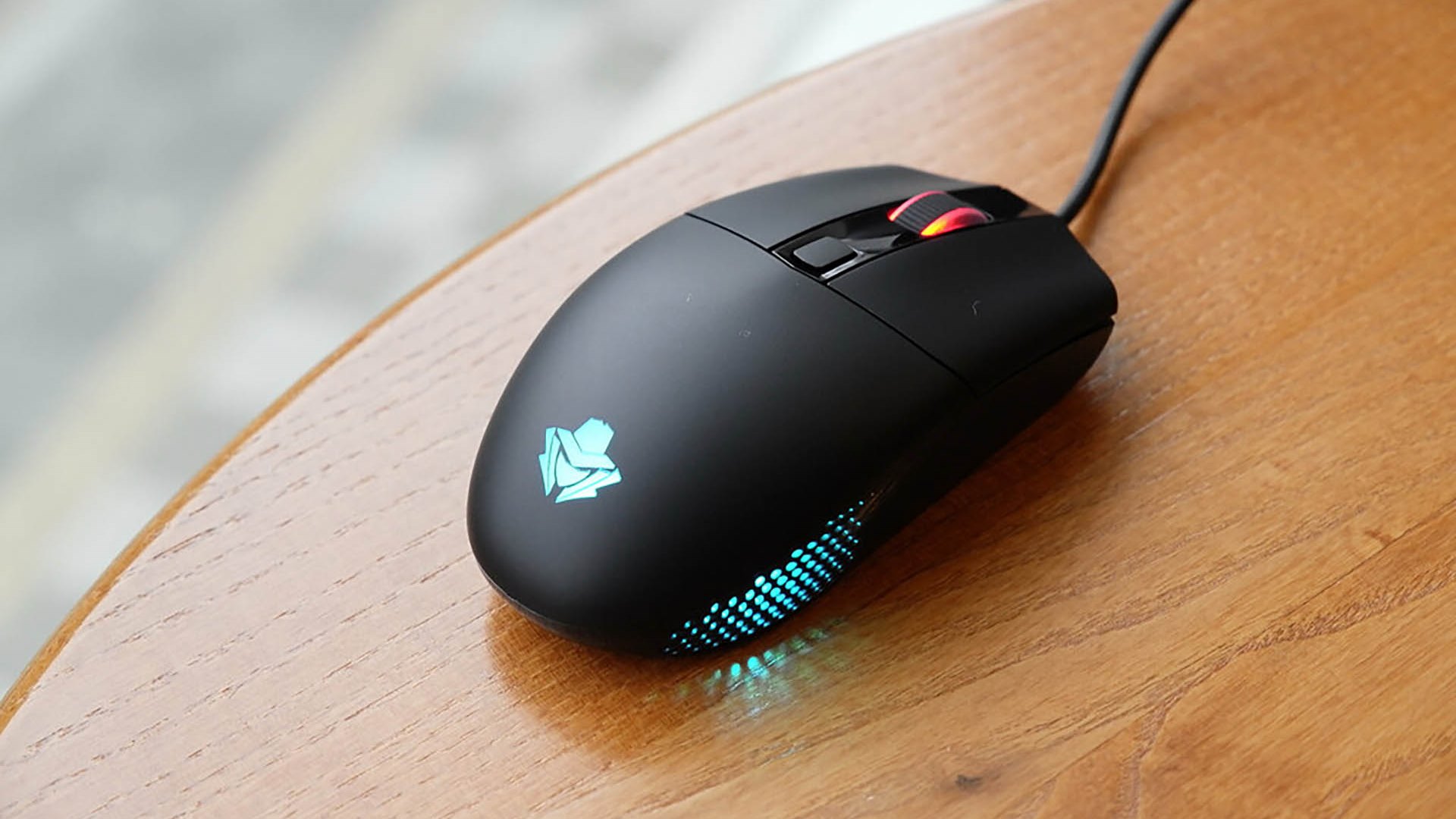
Wired vs. Wireless Gaming Mouse: The Connectivity Debate
The choice between wired and wireless gaming mice has long been a dilemma among gamers.
Wired gaming mouse
Because they're wired, these mice are the preferred choice of most gamers due to their reliability and lack of input lag. Another point in favor of wired mice is that they do not need to be charged and are much cheaper than their wireless counterpart which we'll talk about next.
Wireless gaming mouse
Wireless gaming mice are designed to give you low latency connections. They incorporate a long battery life that allows you more than 40 hours of gameplay, which added to its lightweight design makes them a worthy rival to wired gaming mice. Even so, their price tends to be higher. In addition, due to its wireless feature, it needs to be recharged occasionally.
What should I consider when choosing a gaming mouse?
Choosing the right gaming mouse requires you to consider the following key factors: - Genre of games you're most used to playing. - Size of your hand and preferred grip style - Level of customization you want - Price - Aesthetic preferences
Finding the best gaming mouse is subjective as it'll depend on your individual needs and preferences. It's even recommended that you try different models until you find the one that best suits your usage pattern and gives you the best performance.
Improve your gameplay with gaming mice
It's remarkable how much a high-quality gaming mouse can improve your gaming performance. Knowing key aspects of this peripheral such as DPI, polling rates, sensors and ergonomics you'll be able to make the right decision when looking for a model for your PC, but without leaving aside your needs and preferences. Don't forget that the most important thing is that the mouse you choose fits your style and gives you enough comfort to maneuver your character and the weapons it uses in the different scenarios and missions it faces.